


TechPixlEveryday tech, in focus.
THE SIGNALClear buying advice for real life. Explore 58 guides across five categories.Meet TechPixl →

The latest buying guides

View all 58 →

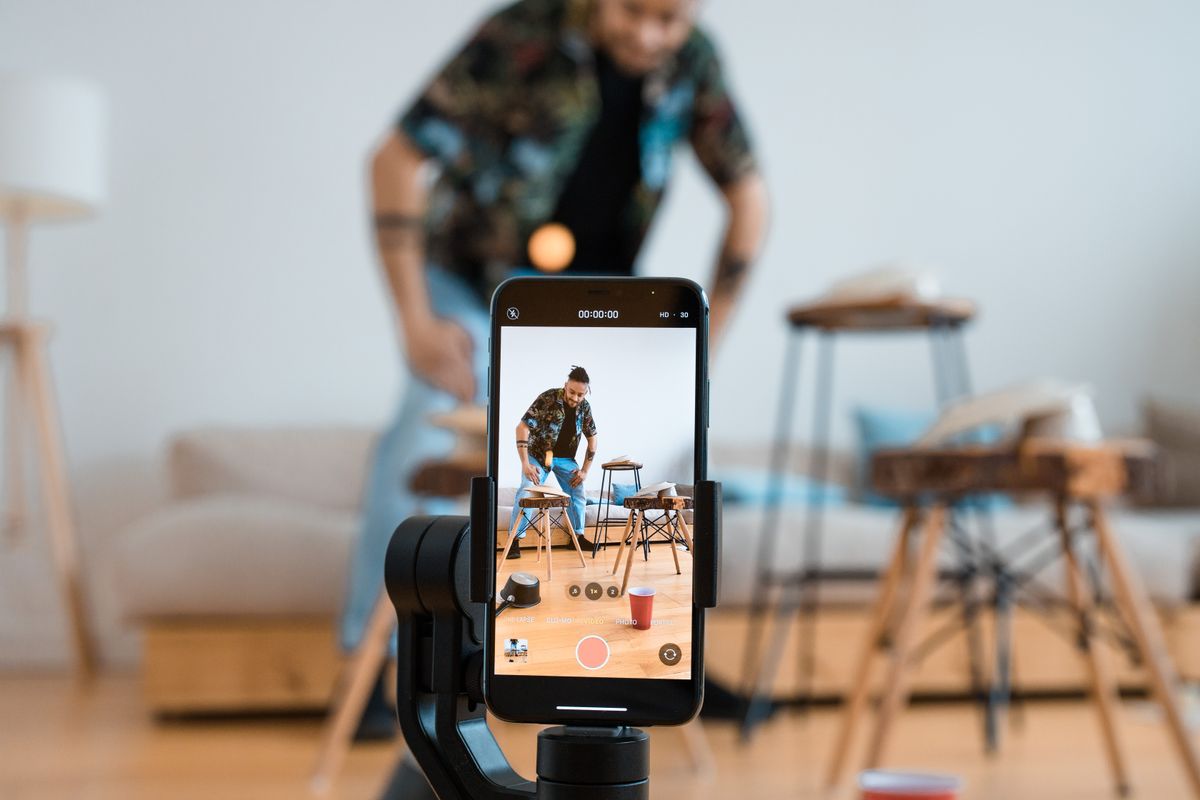
A Smartphone Tripod for Family Videos: Buy for the Shot You Actually Want

Phones & Accessories

Get everyone into the birthday video without balancing a phone on a mug. Compare tabletop supports, full-height tripods, clamps, and useful recording controls.

Choose a tabletop tripod for seated family activities and a full-height model when the phone needs to frame standing people without borrowed furniture. Check the clamp against the phone with its case attached, and verify portrait and landscape mounting separately. A dependable support and an easy recording routine usually matter more than bundled lights or a remote you have not checked with your camera app.

Read the buying guide →Practical advice

Choosing a Laptop Stand for a Desk That Changes Through the Day

Computing & Workspaces

A shared table needs an accessory that is easy to set up and put away. Compare fixed, folding, and adjustable laptop stands around your screen and input devices.

Choose a fixed stand for a dedicated desk and a folding adjustable model when the workspace regularly moves or packs away. Check the laptop's width, weight, and vent positions against the exact stand, then budget for an external keyboard and pointing device if you plan to elevate the screen for sustained work. Buy enough adjustment for your setup; maximum height is not the main measure of usefulness.

Read the buying guide →Practical advice

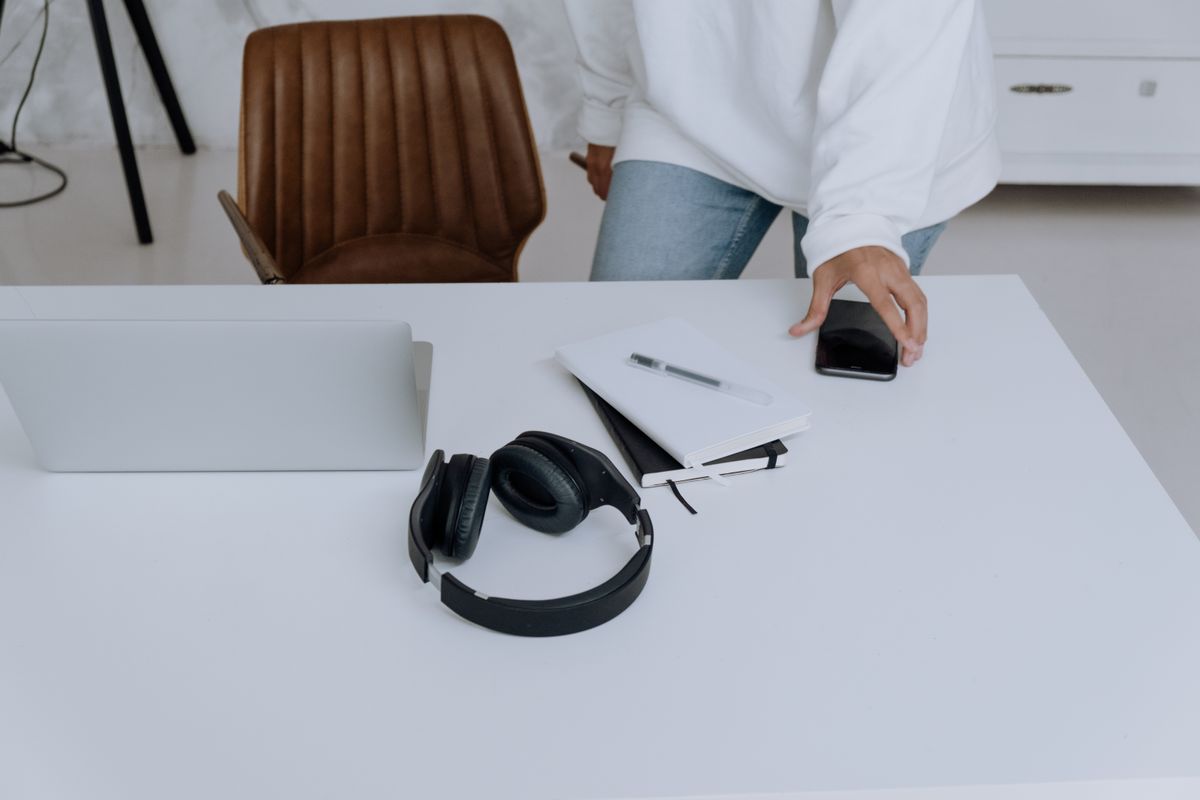
Bluetooth Multipoint: Choosing Headphones for a Laptop and Personal Phone

Audio & Entertainment

Keep work audio and a personal phone manageable by checking true simultaneous connections, call priority, app requirements, and the exact handover behavior.

Multipoint is worth considering when you regularly alternate between computer audio and a phone, but verify the exact model's simultaneous-connection behavior before buying. TechPixl Editorial would prioritize understandable handovers and comfortable calls over a headline Bluetooth version. The recommendations here interpret manufacturer documentation; they do not claim measured microphone quality or uninterrupted switching in every application.

Read the buying guide →Practical advice

How to Choose Water Leak Sensors for Under the Sink

Smart Home

Build a practical leak-alert setup around cabinet space, hub requirements and the person who can respond when a notification arrives.

Choose the alert path before the sensor. A local alarm can suit an occupied apartment, while remote notifications are useful when someone can respond during the working day. Compare the complete sensor-and-hub cost and check connectivity inside the actual cabinet. A detector offers an additional warning; it does not repair plumbing or guarantee that a leak will be discovered before damage occurs.

Read the buying guide →Practical advice

Travel Plug Adapter or Voltage Converter: What Does Your Tech Need?

Travel & Everyday Gear

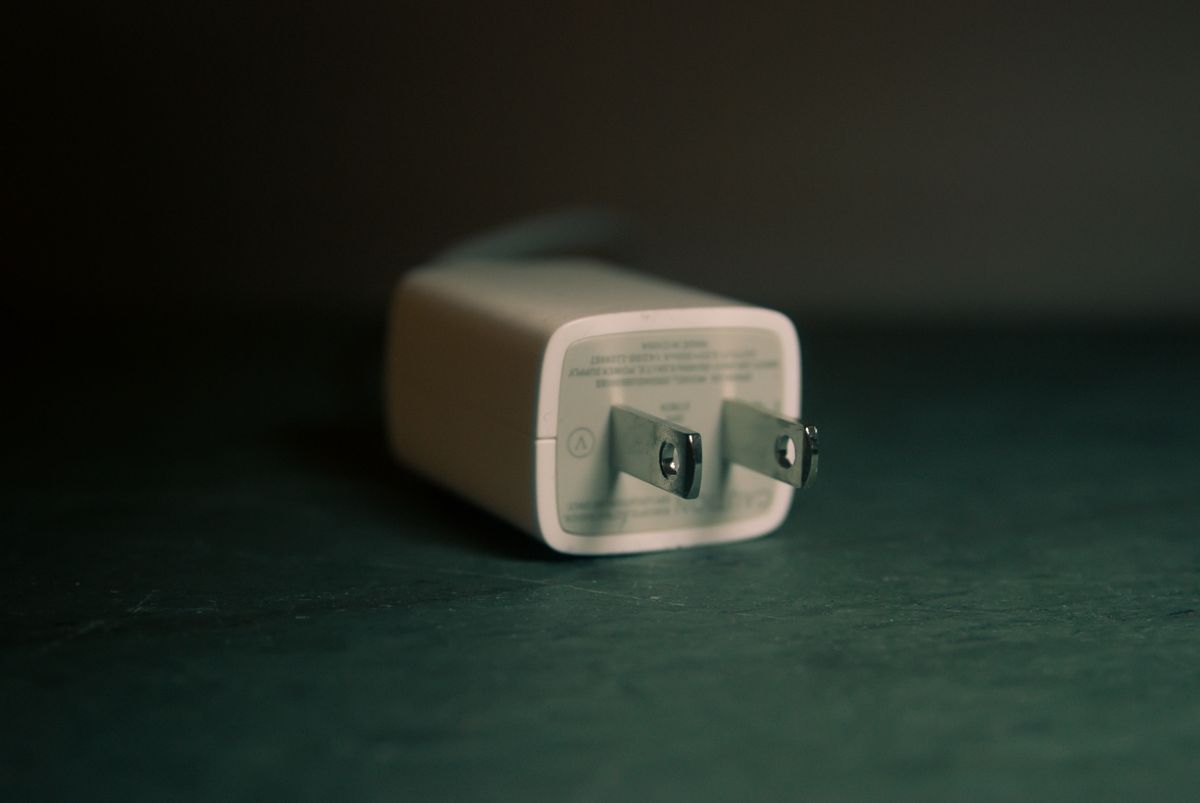
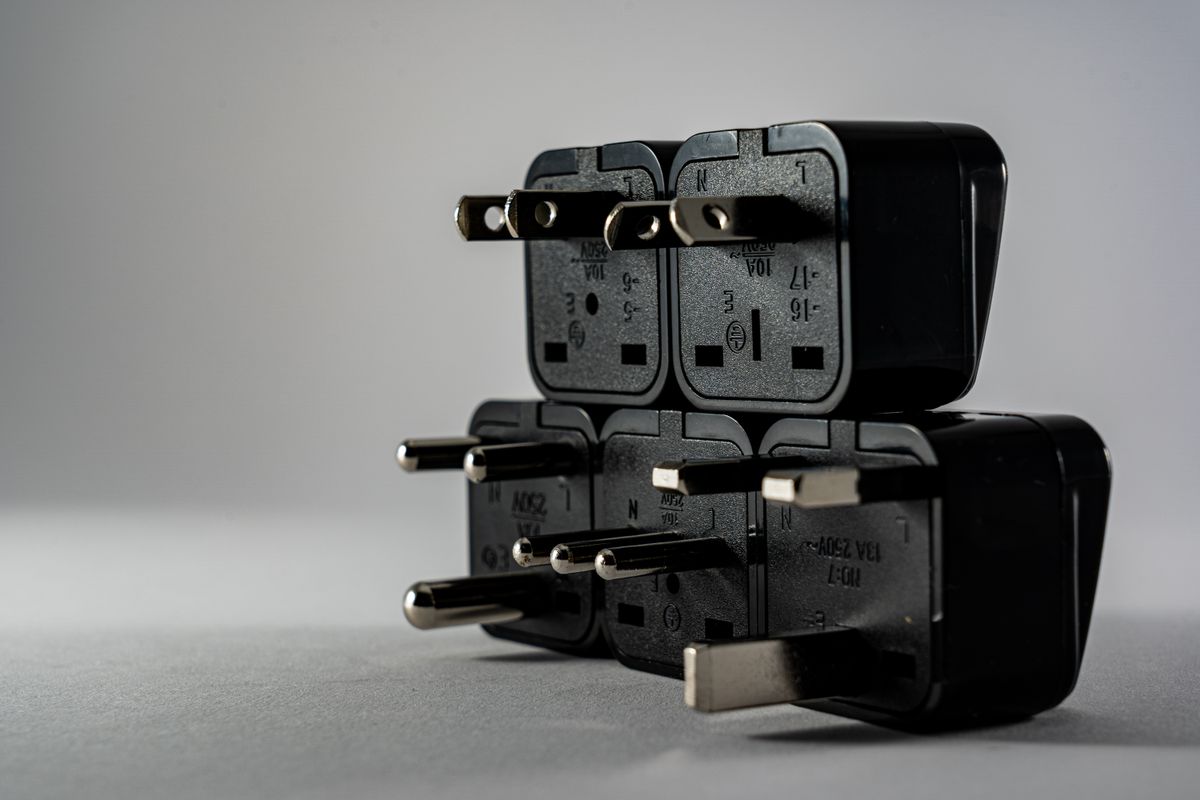
Read charger input labels, separate plug shape from voltage and choose an international charging setup that matches the equipment you actually pack.

A plug adapter changes the physical connection; it does not convert the mains voltage. Read each charger's input label and the destination requirements before buying travel accessories. For compatible electronics, the right adapter and existing charger may be all you need. For equipment whose input does not match, ask its manufacturer for an approved solution rather than guessing that a universal adapter makes it suitable.

Read the buying guide →Practical advice

Choosing a USB-C Car Charger for Daily Navigation and Shared Rides

Phones & Accessories

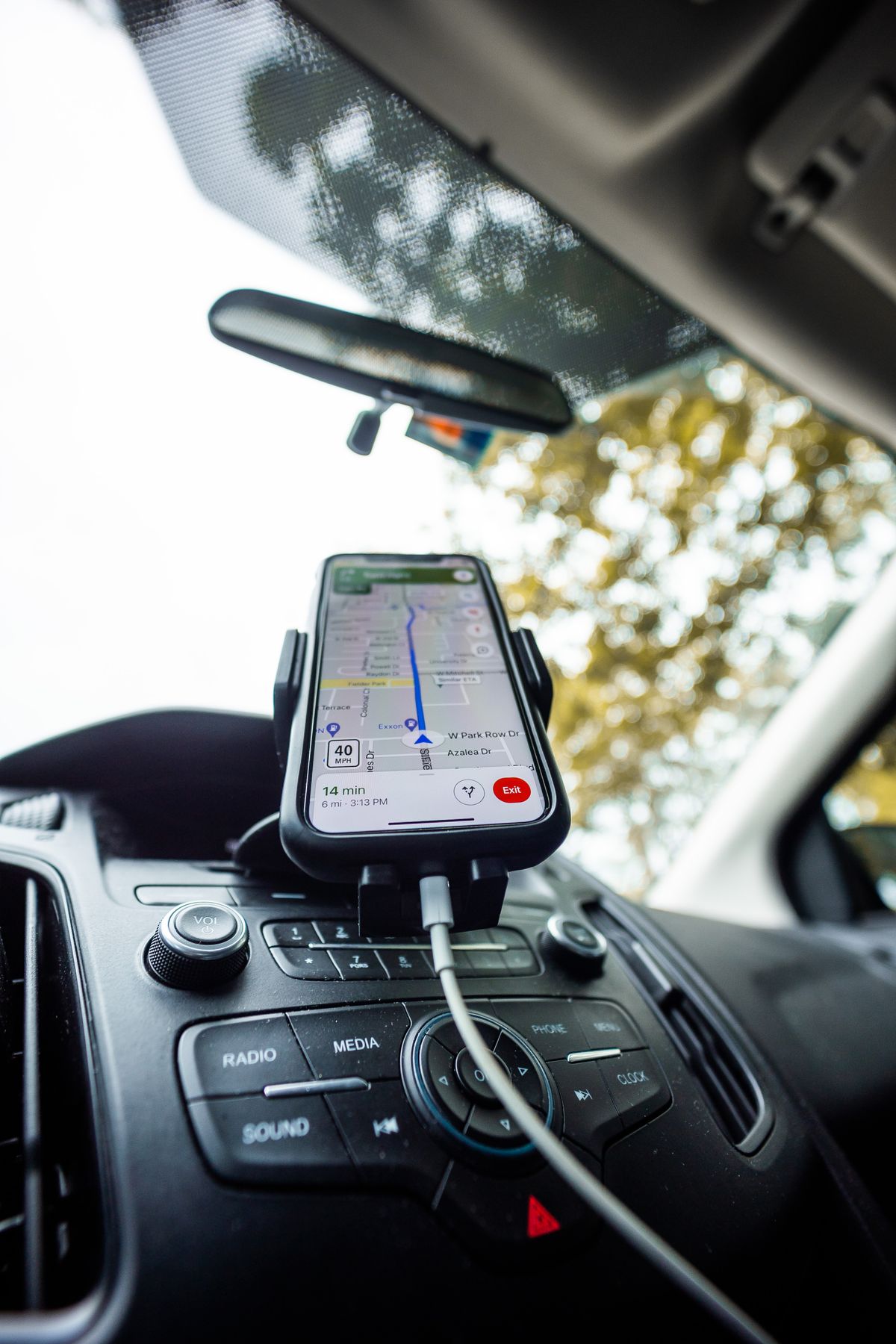
Keep the navigation phone ready without filling the console with cables. Shop for per-port output, compatible charging, socket fit, and a sensible passenger setup.

Choose a car charger by the output of the port your navigation phone will actually use, with the passenger's device connected too. Match the phone's charging requirements and the vehicle's socket specification, then buy a cable that reaches without crossing controls. Dual USB-C ports are useful for two modern phones; unusually high combined wattage offers little value unless your devices can use the individual outputs.

Read the buying guide →Practical advice

UPS or Surge Protector for a Home Computer? Buy for the Interruption You Need to Handle

Computing & Workspaces

A battery backup and a surge protector serve different needs. Compare runtime, connected equipment, shutdown support, and ownership costs for a home desk.

Choose a UPS when a brief loss of mains power would interrupt a desktop task and you need time for an orderly shutdown. A surge protector does not supply battery runtime. Size a UPS using the exact equipment load, published watt and VA limits, and runtime data, then verify connection and shutdown requirements. Neither accessory replaces backups or guarantees that your internet provider will remain available during an outage.

Read the buying guide →Practical advice

USB-C Headphone Adapter or Portable DAC? Buy for the Headphones You Own

Audio & Entertainment

Keep useful wired headphones in service by checking digital-audio compatibility, microphone support, pocket fit, and whether a larger DAC solves a real limitation.

Begin with a compact, explicitly compatible USB-C audio adapter when you want to reuse ordinary wired headphones with a phone. Consider a larger portable DAC and headphone amplifier only when its documented outputs, controls, or drive capability answer a specific requirement. TechPixl Editorial would verify phone and headset compatibility before paying for format numbers that may have little practical role in your listening routine.

Read the buying guide →Practical advice